
SharePoint Modern Pages are becoming more and more popular because they are easy to author and provide a number of out-of-the-box web parts which can make your page dynamic and engaging.
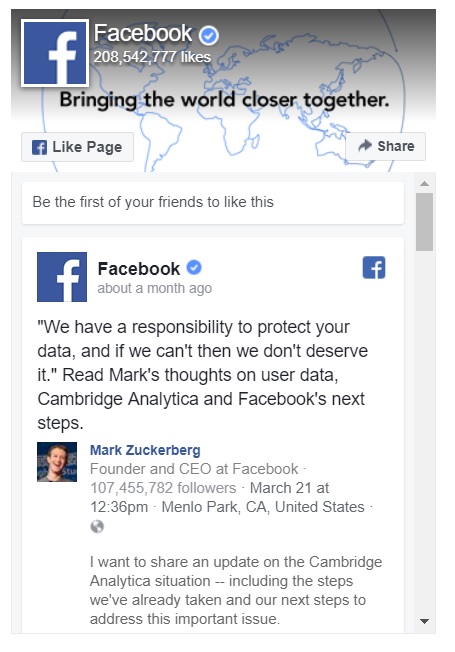
There are web parts for Yammer and Twitter, but (as of yet) Microsoft does not provide one for Facebook. With the caveat that the Facebook timeline must be publicly available, adding it to your Modern Page is pretty simple.
The first thing you want to do is generate the Page Plugin code from Facebook. To do so, go to https://developers.facebook.com/docs/plugins/page-plugin.
Enter the URL of the Facebook page you want to show on your SharePoint page. There are some formatting options to play with as well:
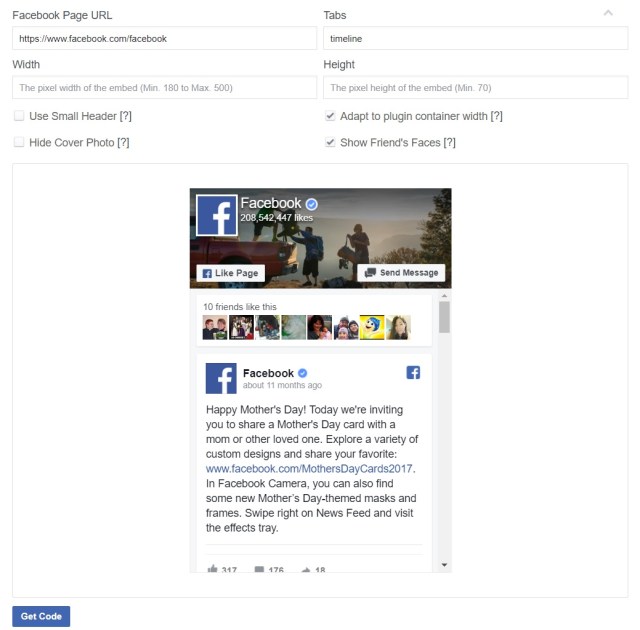
Once you are satisfied, click the ‘Get Code’ button. There are two options: JavaScript SDK and iFrame. Ensure to select the second tab for the iFrame code. Copy this code to your clipboard.
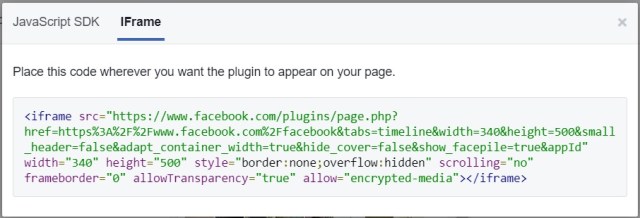
Now go back to your SharePoint page, edit it and add a web part:
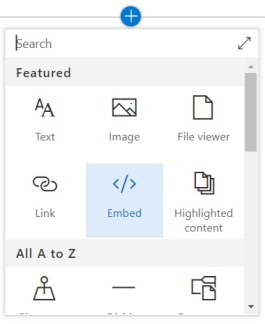
Select the Embed web part. Insert the code into the ‘Website address or embed code’ box of the properties panel:
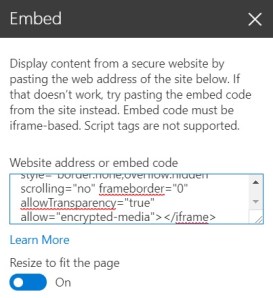
That’s it! Just save and publish your page and you’ve just added a Facebook feed to your website.
 Mark Campbell